Case study, Micromind
Microaggression training makes people defensive, so they stop learning.
Micromind is a concept for a scenario-based learning app that helps people recognize and respond to microaggressions at work, through low-pressure, story-driven practice. It was a graduate team project at the Harvard Graduate School of Education.
The 30-second version
Problem
Training on microaggressions tends to feel abstract or judgmental, so people get defensive instead of reflective.
What I did
Owned the UX and UI on the original team project. In 2026 I refreshed it with AI-assisted prototyping: the story flow, the screens, and the visual system.
What happened
Used in class and tested with classmates, who found it engaging and approachable and asked for more content.
- My role
- UX and UI design (owned). In 2026 I refreshed the story flow, the screens, and the visual system with AI-assisted prototyping.
- Team
- Four people including me on the original, graduate coursework. The 2026 refresh was mine.
- Format
- Mobile app concept, with a design system and core flows
- Scope
- A concept, not a shipped product. The first version was tested informally with peers.
The problem
Microaggressions are subtle, normalized, and hard to name. Most workplace training treats them as a compliance topic: a slide deck, a one-time workshop, a definition to memorize.
That tends to fail three ways. It feels abstract. It feels judgmental, so learners get defensive. And it happens once, so nothing sticks.
Who it's for
Employees across roles: people building self-awareness, managers learning to step in, and HR teams who want practice that outlasts a workshop.
What we learned first
Before sketching, our team did three kinds of research: a literature review on microaggressions and behavior change, interviews with employees about the training they'd had, and a scan of existing DEI learning tools.
All three pointed the same way. People learn more from recognizing a moment in context than from reading a definition. Employees wanted to engage but felt judged by the tools they'd used. And almost none of those tools were built for short, repeated practice.
Honest scope
The research was a team effort. My part was carrying it into the interface and the visual system.
What I decided
- Make it a story, not a test. Learners move through one situation at a time, reading a moment the way they'd live it.
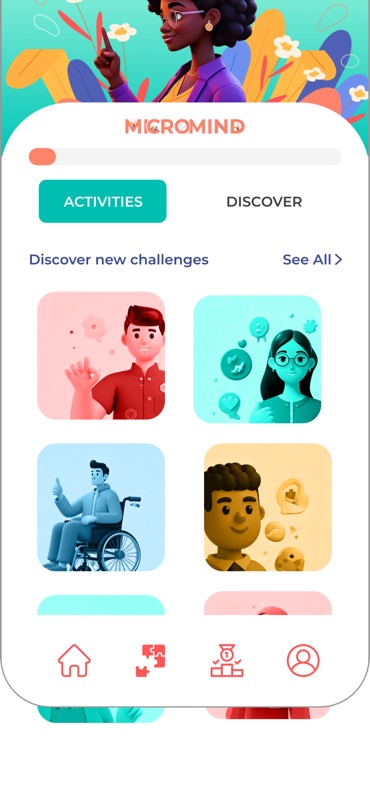
- Offer choice before content. An activity grid lets learners pick where to start. That sense of control lowers the defensiveness that shuts learning down.
- Use warmth on purpose. Rounded components, friendly illustration, and a soft palette lower the emotional barrier to a heavy topic without making it feel trivial.
- Give feedback that supports. Reflection prompts and progress tracking encourage another round. Nobody gets graded.
What changed it
Testing early prototypes with classmates, I saw people stay open when a scenario felt like a story to move through rather than a test to fail. That shaped the flow.
Up close: how it looked, and what I changed
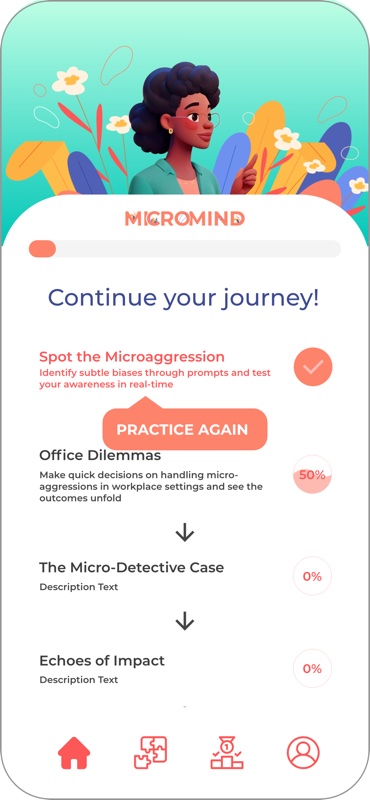
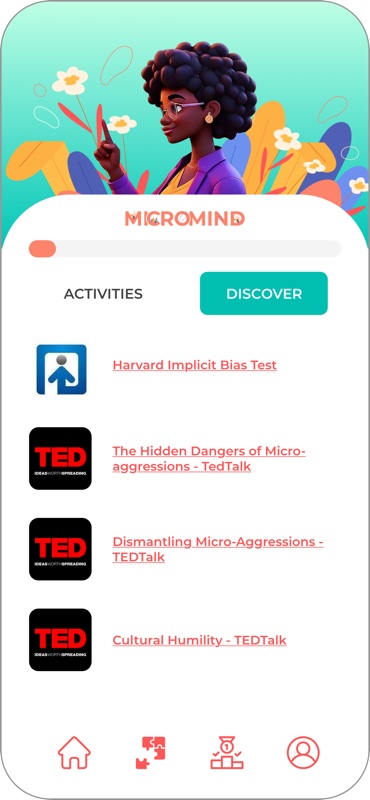
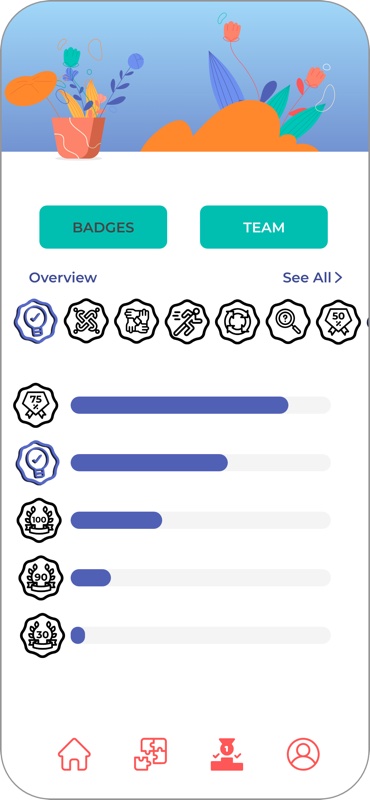
How it looked: the first version

Color
#FD836B#FEA392#FDBAB1#5061B5#6E91F0#83D2F8#A1D8F8#00C6B7#65C1BD#BFFFE5#FDB143#FEBD4A#FDE9CD#FFF2E1Type: Montserrat
Header 1
Header 2
Header 3
Header 3, light
Paragraph. Often we don't even realize they're happening. That's where Micromind comes in.
Let's dive inBadges, 2020 to 2021




Illustration: characters from an early AI tool, florals from Shutterstock
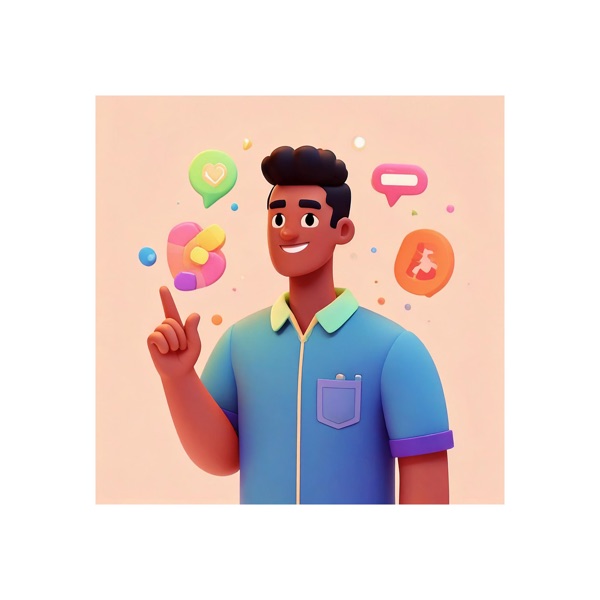

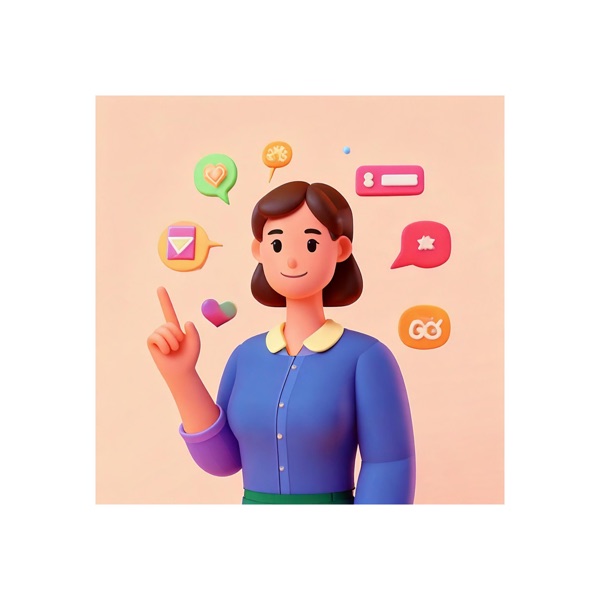
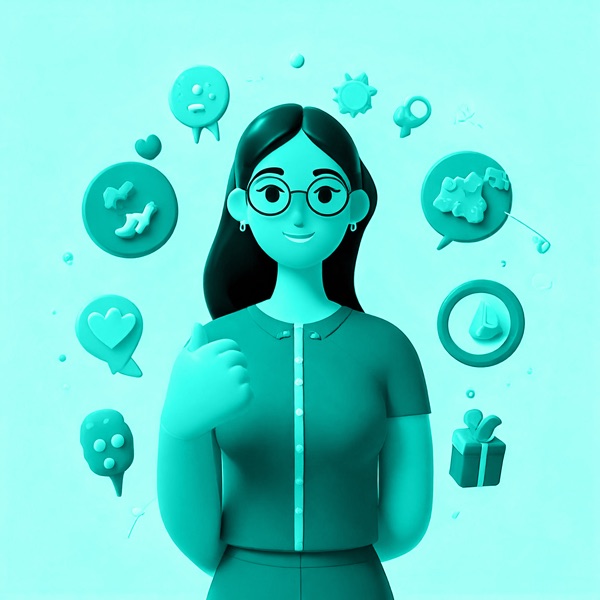


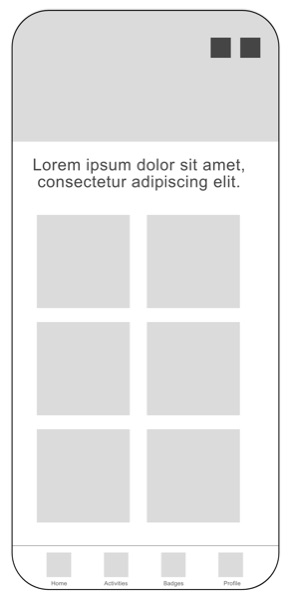
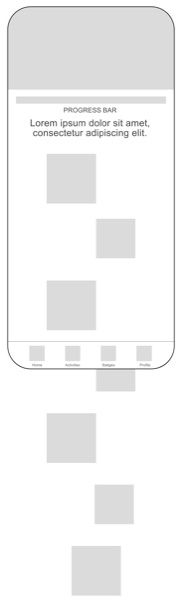
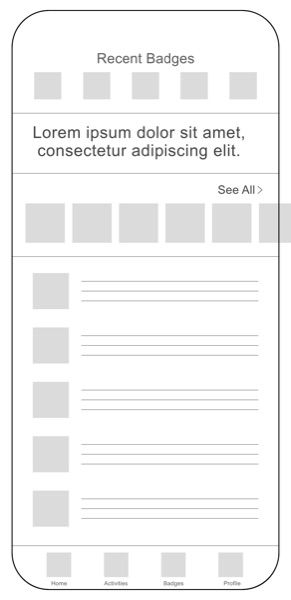
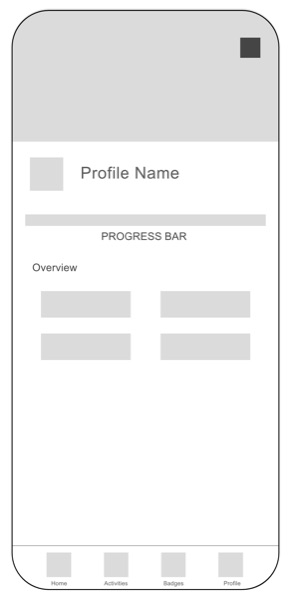
What's mine here and what isn't. The palette, the type choices, the wireframes, and the screens are my design, with AI help along the way. The badges date from the Harvard project in 2020 to 2021. The character illustrations came from an early AI image tool, around 2022. The two floral pieces are Shutterstock stock.
What I changed: the 2026 refresh
The first version leaned on warmth: rounded shapes, friendly illustration, a soft palette. The 2026 refresh keeps the warmth and cools it down. Blue and seafoam instead of coral, restrained corners instead of heavy rounding, video scenes instead of illustration. The subject is real harm, so the badges are named for the behavior they reward and read as encouragement, not points.
How the refresh was made
I came back to Micromind this year and rebuilt it with AI-assisted prototyping, the way I work now. The AI drafted screens and flows fast; the direction, the edits, and the calls on what the subject needed were mine.
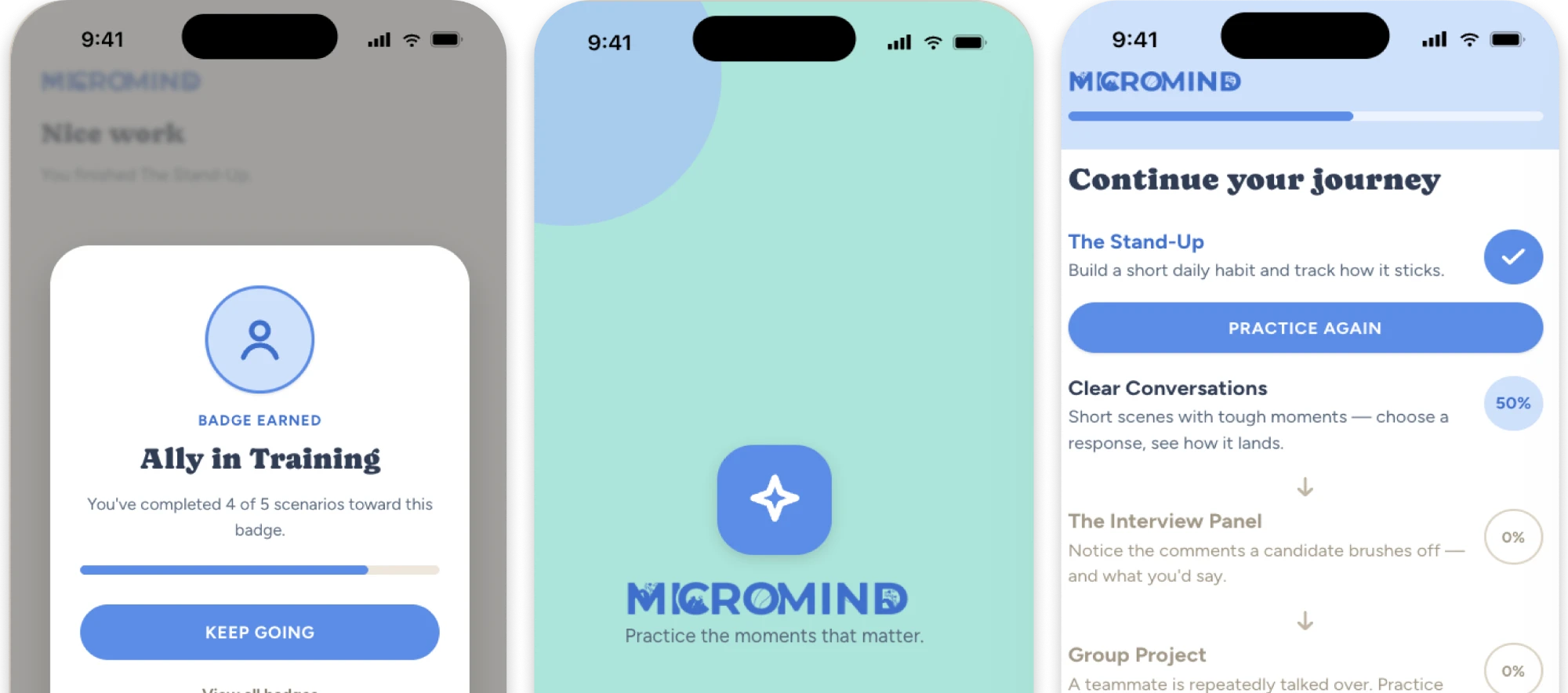
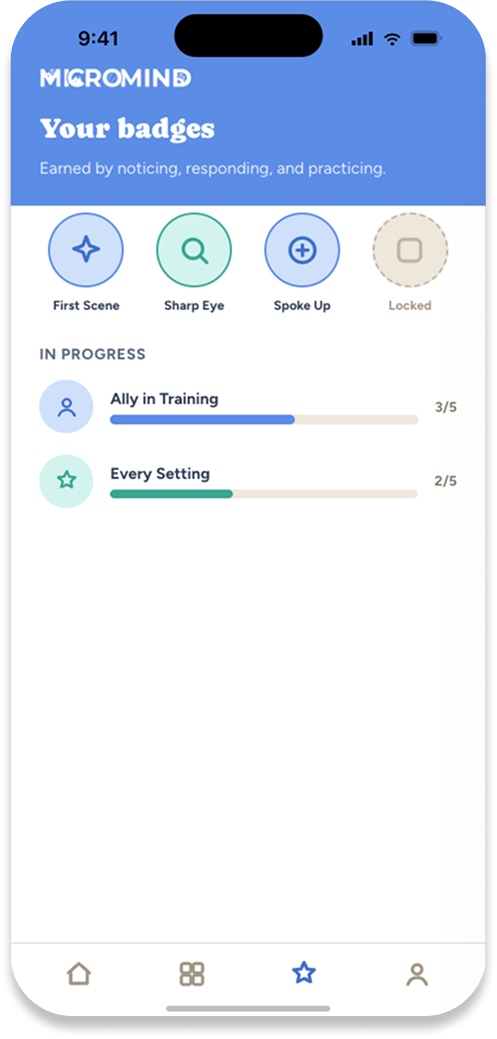
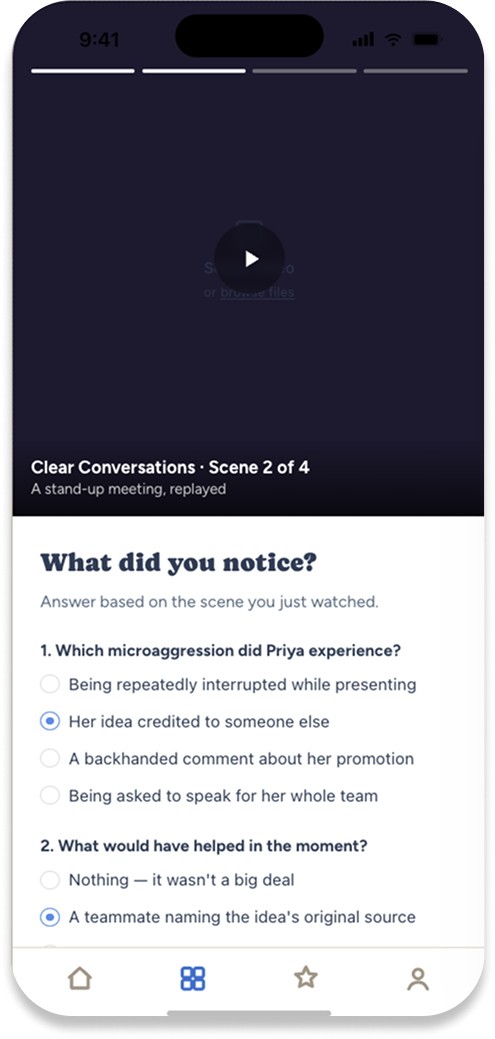
Entry
A quiet splash, then the activity grid. Learners pick where to start, and nothing is scored.
Scene
A short vertical video, told story-style. Tap to move through it, one moment at a time.
What did you notice?
Two multiple-choice questions about the scene, then an optional written reflection.
Badge
Cross a threshold and a badge appears, named for the behavior it rewards: Sharp Eye, Spoke Up, Ally in Training.
Practice again. Any finished scenario restarts from scene one, and Discover holds short videos and articles for between sessions.

Color
#5b8ce6#3f6fcb#cfe0fb#3aa693#55bfab#ace4da#303c54#57677c#e8ecf2#151027Type and shape
What did you notice?
Answer based on the scene you just watched. Sora for headings, Inter for everything else.
Badge earned
What happened
Micromind was used in class and tested informally with classmates. They found it engaging and approachable, singled out the scenario-based approach, and asked for more content.
The critiques were useful too. The scenarios needed more cultural specificity to land across different identity groups, and each session needed a clearer learning outcome so people knew what they were building.
Honest scope
A design concept, tested with peers. It wasn't shipped or tested in a workplace.
What I'd change
I'd build it for the web. Mobile felt right for daily, personal practice, but workplaces adopt learning through the platforms they already use, and a web version could plug into those.
I'd also push the scenarios toward more cultural specificity and give every session one clear outcome.
What it taught me
Every visual decision in Micromind was also a learning decision. Warmth lowered defenses, clarity eased the load, and friendliness brought people back.